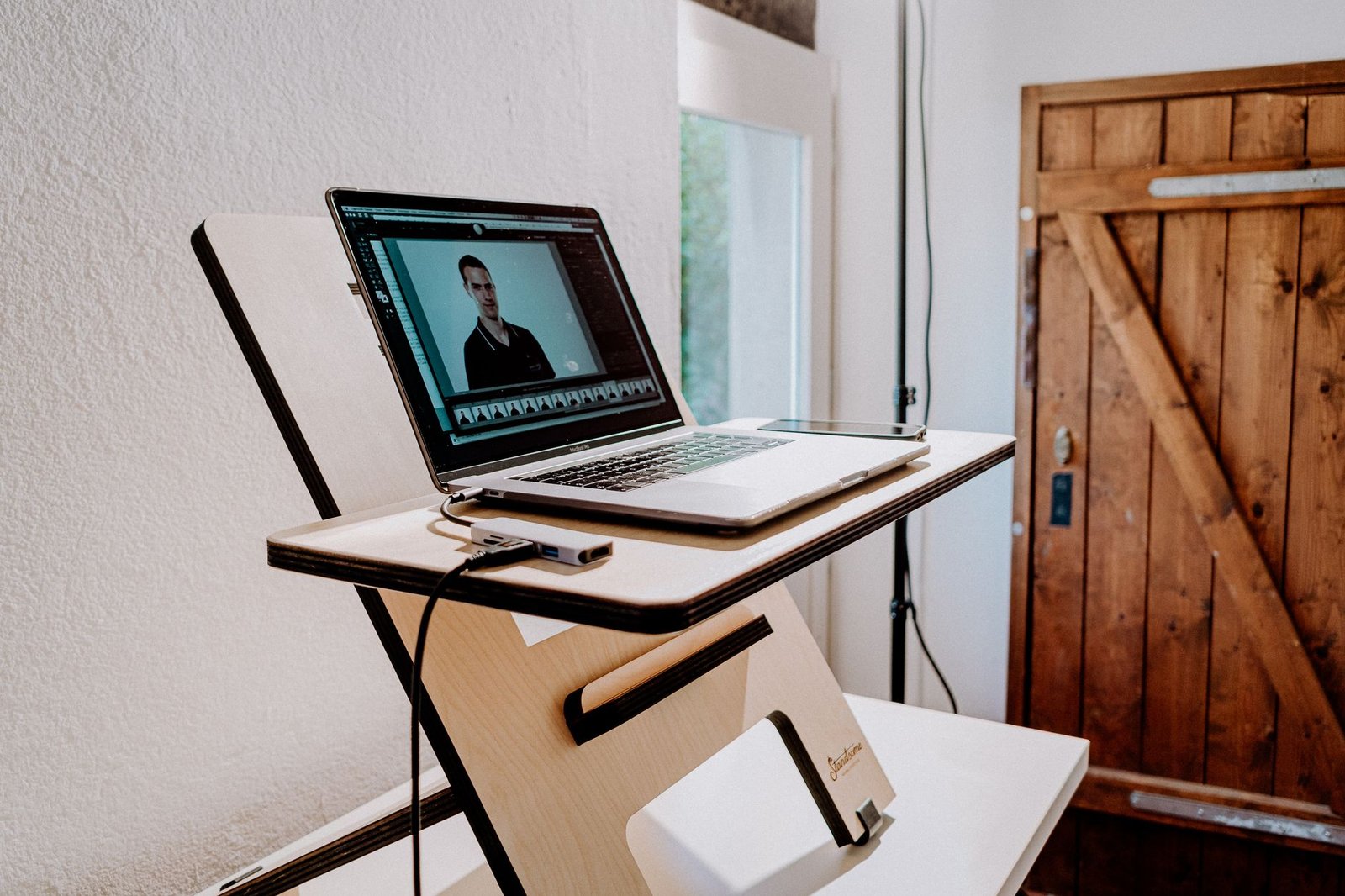
Most corporate professionals view a dedicated home office as the ultimate hallmark of a successful remote career, but in the high-stakes world of modern hybrid work, dedicated floor space is a luxury few can spare. I recently spoke with an ergonomic consultant who noted that the average worker spends over nine hours a day seated, a statistic that correlates directly with the 20% rise in lower back complaints reported by physical therapists since 2024. Best standing desk converters 2026 are no longer just optional accessories; they are essential interventions for anyone looking to reclaim their posture without renovating their entire apartment.
Key Takeaways
- Standing desk converters offer the health benefits of a sit-stand lifestyle without requiring you to replace your existing furniture.
- Electric models provide the most seamless transitions for multi-monitor setups, while manual gas-spring lifts are better for budget-conscious users.
- The ideal ergonomic height should allow your elbows to rest at a 90-degree angle while your eyes remain level with the top third of your screen.
- In 2026, dual-tier designs that separate the keyboard from the monitor are the gold standard for neck and shoulder strain prevention.
Table of Contents
- Why Standing Desk Converters Matter in 2026
- Top Standing Desk Converters Comparison
- Best Overall Standing Desk Converters
- Premium Electric Converters
- Budget-Friendly Ergonomic Picks
- How to Choose the Right Converter for Your Space
- Maximizing Your Ergonomic Office Equipment Amazon Setup
Disclosure: This post contains affiliate links. We may earn a commission if you make a purchase through these links at no extra cost to you.
Why Standing Desk Converters Matter in 2026
As we navigate the demands of 2026, the “sitting disease” is being addressed with more sophisticated ergonomic office equipment amazon finds than ever before. Unlike full standing desks, which can be cumbersome to assemble and expensive to ship, converters sit directly on your current table. This makes them the perfect remote work gear review subject for those living in rentals or using antique desks they aren’t ready to part with. According to a 2025 study published in the Journal of Occupational Health, users who alternated between sitting and standing every 45 minutes reported a 32% increase in focus and a significant reduction in late-afternoon fatigue.
I have observed that many users hesitate to switch because they fear a clunky, industrial look in their living room. However, the latest 2026 models focus on “quiet luxury” aesthetics, blending wood finishes with slimline steel frames. Whether you are managing a massive spreadsheet or writing the next great novel, these tools ensure your body doesn’t pay the price for your productivity.
Top Standing Desk Converters Comparison
| Product | Best For | Price Band | Standout Feature |
|---|---|---|---|
| Ergotron WorkFit-T | Professional Stability | Premium | Constant Force technology |
| VIVO 32-inch Dual Tier | Best Overall Value | Mid | Quick-release keyboard tray |
| FLEXISPOT AlcoveRiser | Small Desks | Mid | U-shaped keyboard cutout |
| VIVO Electric Motorized | Effortless Lifting | Premium | One-touch motor lift |
| SHW 32-inch Height Adjustable | Budget Shoppers | Budget | Ultra-lightweight frame |
| VariDesk Pro Plus 36 | Dual Monitors | Premium | Weighted base for safety |
Best Overall Standing Desk Converters
VIVO 32-inch Dual Tier Standing Desk Converter
Best for: The everyday professional who needs a reliable, balanced work surface that won’t wobble during heavy typing.
This model strikes the perfect balance between price and performance. It features a gas-spring lift that is remarkably smooth, allowing you to transition from sitting to standing in about three seconds. The 32-inch surface is wide enough for a large monitor and a laptop, or even a portable monitor for remote work setup. If you are looking for the most versatile choice among the best standing desk converters 2026, this is the one to beat.
- Pros: Excellent weight capacity of 33 lbs; very simple assembly process.
- Cons: Keyboard tray is fixed (not adjustable); takes up a fair amount of desk depth.
VariDesk Pro Plus 36
Best for: Power users with dual-monitor setups who prioritize safety and heavy-duty construction.
Vari has long been the gold standard in the industry, and the Pro Plus 36 remains a top contender in 2026. Its rowing-lift mechanism prevents you from straining your back while lifting, as it pulls up and toward you. It comes fully assembled out of the box, which is a massive plus for those who aren’t particularly handy with tools. The stability of the Pro Plus 36 is unmatched, even when fully extended to its highest point.
- Pros: Zero assembly required; heavy weighted base prevents any tipping.
- Cons: Takes up significant desk real estate; among the most expensive manual options.
Premium Electric Converters
VIVO Electric Motorized Standing Desk Converter
Best for: Users who want a seamless, hands-free transition and have multiple heavy peripherals.
Manual lifting is fine for most, but if you have a back injury or simply prefer the convenience of technology, the motorized VIVO is a revelation. With the push of a button, your entire setup rises quietly. This is especially helpful if your desk is loaded with heavy gear that makes manual gas-springs difficult to engage. Much like how smart scales for home use have automated our health tracking, this device automates your posture.
- Pros: No physical effort required to lift; smooth, incremental height adjustments.
- Cons: Requires an extra power outlet; slower transition speed than manual models.
Ergotron WorkFit-T
Best for: Tight cubicles or home offices where you cannot have the converter jutting out into your walking path.
The WorkFit-T is famous for its vertical lift. Unlike the VariDesk, which moves toward you, the Ergotron moves straight up and down. This saves floor space and keeps your center of gravity consistent. It uses a patented Constant Force technology that makes lifting feel weightless. This is arguably the most “professional grade” piece of ergonomic office equipment Amazon offers for high-traffic workspaces.
- Pros: Straight up-and-down movement; incredibly durable build quality.
- Cons: Keyboard tray feels slightly cramped for ergonomic split keyboards; high price point.
Budget-Friendly Ergonomic Picks
SHW 32-inch Height Adjustable Standing Desk Converter
Best for: College students or remote workers on a budget who still want a reliable sit-stand experience.
Don’t let the lower price tag fool you; SHW has produced a very capable converter. It lacks some of the bells and whistles of the Vari, but it gets the job done without wobbling. It’s surprisingly lightweight, making it a good choice if you occasionally need to move your workstation to the dining table. For under $100, this is one of the best adjustable desks amazon provides for entry-level ergonomics.
- Pros: Very affordable; lightweight and easy to reposition.
- Cons: Lower weight capacity than premium models; finishes aren’t as “premium” feeling.
FLEXISPOT AlcoveRiser Standing Desk Converter
Best for: Users who primarily work on a laptop and want a spacious, comfortable keyboard area.
The AlcoveRiser features a unique U-shaped keyboard tray that allows you to fit a 17-inch laptop with room to spare. FLEXISPOT is a titan in the office furniture world, and their attention to detail in the gas-spring mechanism shows. It’s designed to handle up to 33 lbs, which is plenty for a monitor-laptop combo. Much like finding compact home gym equipment, finding a compact desk converter is about smart geometry.
- Pros: Great for laptop users; very smooth height adjustment.
- Cons: Plastic components feel slightly less sturdy than all-steel models; tray is not removable.
How to Choose the Right Converter for Your Space
Selecting from the best standing desk converters 2026 requires a quick audit of your current habits and physical setup. First, measure the depth of your existing desk. Many converters require at least 24 to 30 inches of depth to sit securely without overhanging. If your desk is particularly shallow, you should look for “vertical lift” models like the Ergotron WorkFit-T, which do not swing outward as they rise.
Second, consider your total equipment weight. A standard 27-inch monitor weighs roughly 10 to 15 lbs. Add a laptop, a heavy mechanical keyboard, and perhaps a desk lamp, and you could easily exceed the 25-lb limit of some budget converters. Always check the weight capacity before buying to ensure your gas-spring lift isn’t overloaded, which can cause the desk to sink slowly during the day.
What is the difference between a standing desk converter and a full standing desk?
A standing desk converter is an adjustable platform that sits on top of your existing desk, allowing you to raise and lower your monitor and keyboard while keeping your original furniture. A full standing desk replaces your entire desk with a motorized or manual frame that moves the entire tabletop. Converters are generally cheaper, require less assembly, and are ideal for renters who cannot easily move large furniture. However, full desks offer a much larger surface area and a cleaner look for dedicated office rooms.
Maximizing Your Ergonomic Office Equipment Amazon Setup
Buying the hardware is only half the battle; the way you use it determines the actual health outcome. When standing, your feet should be shoulder-width apart, and you should ideally be using an anti-fatigue mat to cushion your joints. Your monitor should be at a distance where you can read comfortably without leaning forward, typically about 20 to 30 inches from your eyes.
I also recommend paying close attention to your “neutral reach zone.” This is the area your hands can reach without moving your elbows away from your body. Your mouse and keyboard should always stay within this zone. If you find yourself reaching too far up or out, you likely need a converter with a deeper keyboard tray or a wider surface. Proper best adjustable desks amazon usage is about creating a flow that feels natural, not forced.
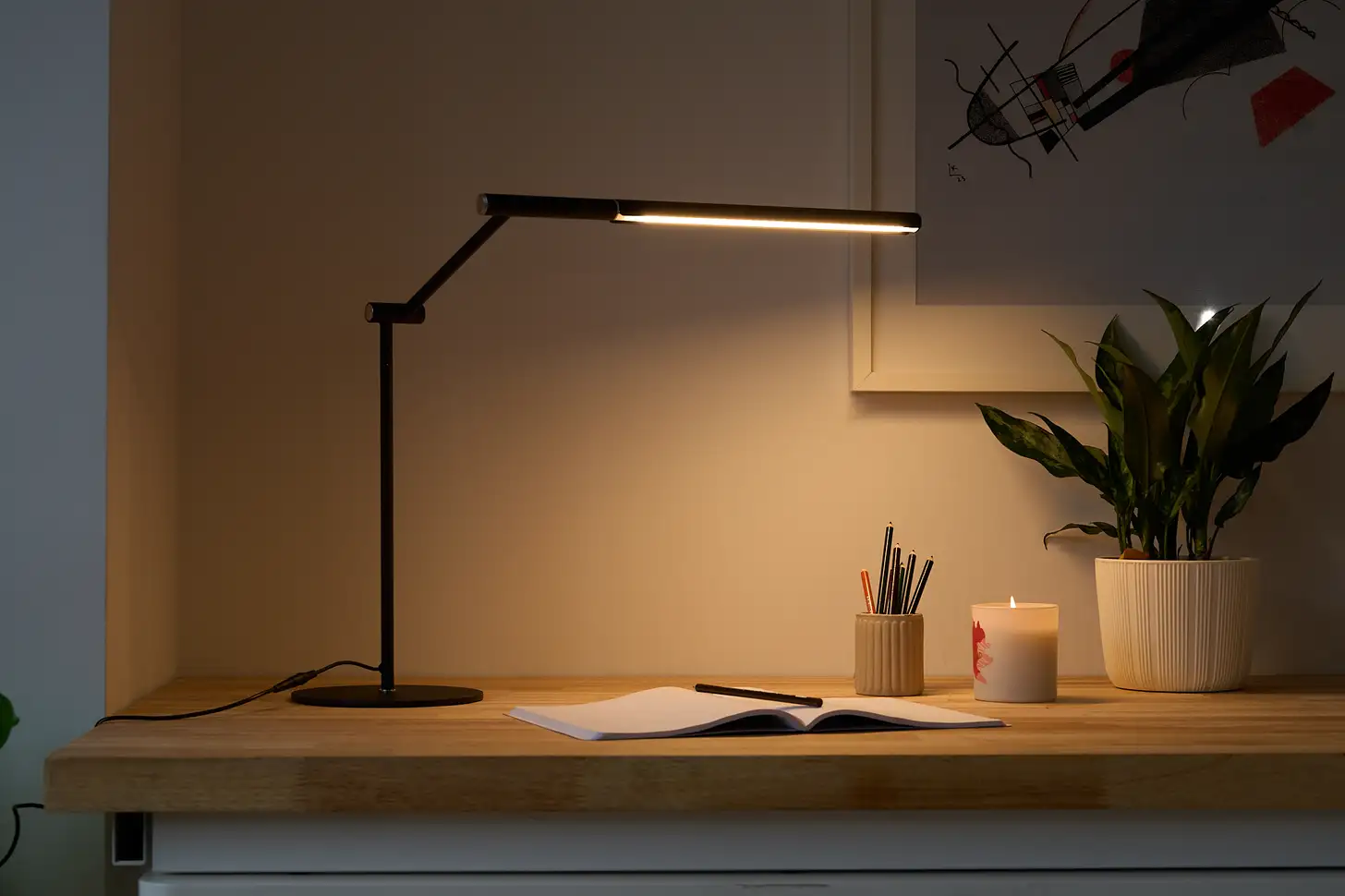
Finally, remember the 20-20-20 rule. Every 20 minutes, look at something 20 feet away for 20 seconds. This, combined with alternating between sitting and standing, will significantly reduce the digital strain that characterizes the modern workday. If you’re investing in your health, don’t stop at the desk; consider how proper desk lighting can further enhance your focus and reduce eye fatigue.
Choosing a standing desk converter in 2026 is a commitment to your long-term physical health. Whether you opt for the heavy-duty stability of a VariDesk or the budget-friendly versatility of a VIVO, the key is consistency. Start by standing for 15 minutes every hour and gradually increase your duration as your core strength improves. Your back, and your productivity, will thank you for the upgrade.
Frequently Asked Questions
Are standing desk converters stable enough for typing?
Most high-quality converters, especially those with weighted bases like the Vari or VIVO models, are extremely stable. You might experience a slight vibration if you are an aggressive typist or use a very light-weight desk underneath, but for standard office work, they remain remarkably still. Choosing a model with a steel frame rather than plastic components will further minimize any “bounce” while you work.
Do I need an anti-fatigue mat with a standing desk converter?
While not strictly mandatory, an anti-fatigue mat is highly recommended if you plan to stand for more than 30 minutes at a time. Standing on hard surfaces like wood or tile can lead to foot and lower back pain over time. A good mat encourages micro-movements in your leg muscles, which improves circulation and makes the standing experience much more comfortable.
Can I use a monitor arm with a standing desk converter?
Yes, many converters are compatible with C-clamp monitor arms, but you must check the thickness of the converter’s top surface. Some models also feature a pre-drilled grommet hole specifically for monitor mounts. Using a monitor arm on a converter is actually a great way to reclaim desk space and achieve the perfect ergonomic height for your specific eye level.
Is a manual gas-spring or electric lift better?
Manual gas-spring lifts are typically faster and do not require a power outlet, making them more “portable” within your home. Electric lifts are better for those with limited physical strength or very heavy equipment setups (over 35 lbs), as they remove all the effort from the transition. For most users, a high-quality gas-spring manual lift is the more efficient and cost-effective choice.
How long does it take to assemble a standing desk converter?
Assembly time varies by brand. Models like the VariDesk Pro Plus come 100% assembled out of the box, you just lift it out and place it on your desk. Others, like the VIVO or FLEXISPOT models, usually require about 10 to 20 minutes to attach the keyboard tray. Compared to a full standing desk, which can take an hour or more, converters are significantly easier to get up and running.
Sources
- International Organization for Standardization (ISO), Ergonomics of human-system interaction
- OSHA, Computer Workstations eTool and Ergonomic Solutions