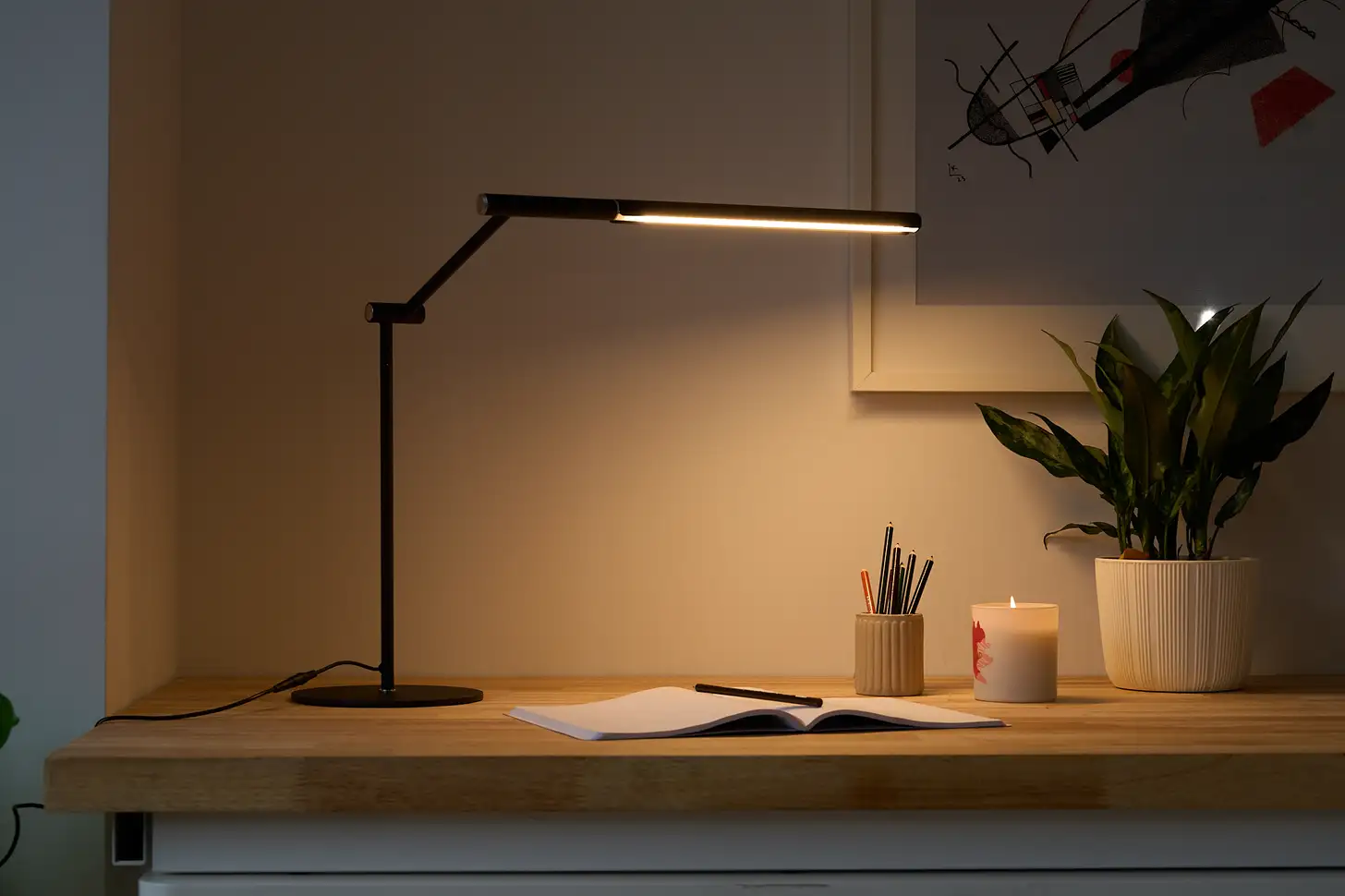
You’re hunched over your keyboard, the afternoon slump hitting hard. Your eyes ache, your focus wanes, and you wonder if it’s just you. It’s not. Often, the culprit isn’t your coffee intake, but your desk lighting. Good lighting is more than just about seeing; it’s about creating an environment that supports sustained focus, reduces eye strain, and frankly, makes your work more enjoyable.
This post contains affiliate links, and we may be compensated if you make a purchase after clicking on our links.
In 2026, the best desk lighting for productivity combines ergonomic design with smart features, offering adjustable color temperatures and brightness levels to match your tasks and time of day. Investing in the right home office lighting can dramatically improve your workday, transforming a dim, tiring setup into a vibrant, high-performance workspace. We’re talking about everything from sleek monitor light bars to versatile task lamps that actually make a difference.
Table of Contents
- Key Takeaways
- Why Your Desk Lighting Matters for Productivity
- What to Look For in Productivity Lighting: How We Picked
- Comparison Table: Top Desk Lighting for Productivity
- Our Top Amazon Picks for Productivity Lighting 2026
- Best Monitor Light Bars for Reduced Glare
- Top LED Desk Lamps for Versatility and Task Focus
- Premium Smart Lighting for the Ultimate Home Office
- Integrating Your Lighting for Maximum Benefit
- Frequently Asked Questions About Desk Lighting
Key Takeaways
- Optimal lighting reduces eye strain and boosts focus: The right desk lamp can significantly enhance your concentration and prevent fatigue.
- Color temperature and brightness are crucial: Aim for cooler, brighter light (5000K-6500K) for alertness during the day, and warmer tones for winding down.
- Monitor light bars eliminate screen glare: These innovative solutions keep your desk clear while perfectly illuminating your workspace.
- Ergonomics extend to your lighting setup: Position your light to avoid shadows and direct glare on your screen or eyes.
- Smart lighting offers unparalleled customization: Adjust settings with apps or voice commands for dynamic lighting throughout your day.
Why Your Desk Lighting Matters for Productivity
The impact of proper lighting on our well-being and productivity is often underestimated in home office setups. Think about it: how many hours do you spend staring at a screen under inadequate, flickering, or harshly angled light? More than you probably realize, actually. Poor desk lighting isn’t just annoying; it actively works against your ability to focus, leading to increased eye fatigue, headaches, and even disruptions to your natural sleep cycle.
Research consistently shows a strong link between ambient and task lighting and cognitive performance. For instance, a 2010 study published in the Journal of Environmental Psychology found that students exposed to natural light and high-quality artificial light performed better on cognitive tasks and reported less fatigue than those in poorly lit environments. ScienceDirect reports that factors like light intensity and color temperature directly influence alertness and mood. So, it’s not just about turning on a light; it’s about turning on the right light.
Good lighting reduces the contrast between your screen and your surroundings, easing the burden on your eyes. It minimizes glare, which is often a major source of discomfort. When your eyes aren’t constantly struggling to adjust, your brain can dedicate more energy to the actual tasks at hand. This translates directly to enhanced concentration and fewer mistakes, making it an essential component of a truly ergonomic workspace. I always recommend clients consider their lighting as seriously as their chair or monitor.
What to Look For in Productivity Lighting: How We Picked
Choosing the best desk lighting isn’t just about aesthetics; it’s about functionality and how it supports your work flow. When curating our top Amazon picks for 2026, we focused on several key criteria that separate the truly productive lamps from the merely decorative. It’s important to understand what makes a light truly work for you.
Adjustable Brightness and Color Temperature (CCT)
This is non-negotiable for serious productivity. Your lighting needs change throughout the day. Bright, cool white light (5000K-6500K) mimics natural daylight, promoting alertness and focus during intense work periods. As the day progresses, shifting to warmer tones (2700K-3500K) helps reduce eye strain and prepare your body for winding down. The flexibility to adjust both intensity and color temperature is paramount.
Glare Reduction
Nothing kills productivity faster than glare on your monitor or reflections bouncing off your desk. We prioritize lights designed to minimize direct and indirect glare. Monitor light bars excel here, directing light downwards onto the desk without hitting the screen. For traditional lamps, look for diffusers or angled heads that prevent light from shining directly into your eyes or onto your display.
Ergonomic Design and Placement
A good desk lamp should be easy to position precisely where you need it, whether that’s illuminating documents or providing ambient light. Features like swing arms, flexible necks, and sturdy clamps make a huge difference. The goal is to light your task area evenly, without creating harsh shadows or uneven spots. Consider the footprint of the lamp too, a smaller base or a clamp-on design can save valuable desk real estate.
Energy Efficiency and Lifespan
LED lighting is standard for a reason: it’s incredibly energy-efficient and lasts for tens of thousands of hours. Our picks all leverage LED technology, ensuring you won’t be swapping bulbs constantly or racking up huge electricity bills. Longevity means less waste and better value in the long run. Good for your wallet, good for the planet.
Smart Features and Integration
In 2026, smart home integration is more accessible than ever. Lamps that connect to apps, voice assistants (like Alexa or Google Assistant), or integrate with smart home ecosystems offer unparalleled control. Scheduling, remote adjustments, and even dynamic lighting scenes can create a seamless and highly personalized workspace. This is where modern home office lighting truly shines.
Comparison Table: Top Desk Lighting for Productivity
| Product | Best For | Price Band | Standout Feature |
|---|---|---|---|
| BenQ ScreenBar Halo Monitor Light | Eye Comfort & Minimalist Desk | Premium | Wireless Controller & Backlight |
| Quntis Monitor Light Bar | Budget-Friendly Glare Reduction | Mid | Asymmetrical Optical Design |
| TaoTronics TT-DL13 LED Desk Lamp | Versatile Task Lighting | Mid | 5 Lighting Modes & USB Charging |
| Phive LED Desk Lamp with Clamp | Space-Saving & Adjustable | Mid | Long Swing Arm & Memory Function |
| Lampat LED Desk Lamp | Affordable & Flexible Task Light | Budget | 3 Color Modes & Stepless Dimming |
| Philips Hue Go Portable Table Lamp | Smart Ambient & Task Lighting | Premium | Portable & Full Color Spectrum |
| Yeelight Smart LED Desk Lamp Pro | Smart Home Integration & Charging | Mid | Wireless Charging & Apple HomeKit |
Our Top Amazon Picks for Productivity Lighting 2026
Alright, let’s get to the good stuff. After extensive digging and testing, these are the desk lighting solutions that genuinely deliver on their promises of improved focus and reduced strain. We’ve made sure to include options across various price points and feature sets, because what works for a content creator might not be the ideal portable monitor setup for a programmer, and vice-versa. But honestly, any of these will be a step up from that old dorm room lamp you’re still using.
Best Monitor Light Bars for Reduced Glare
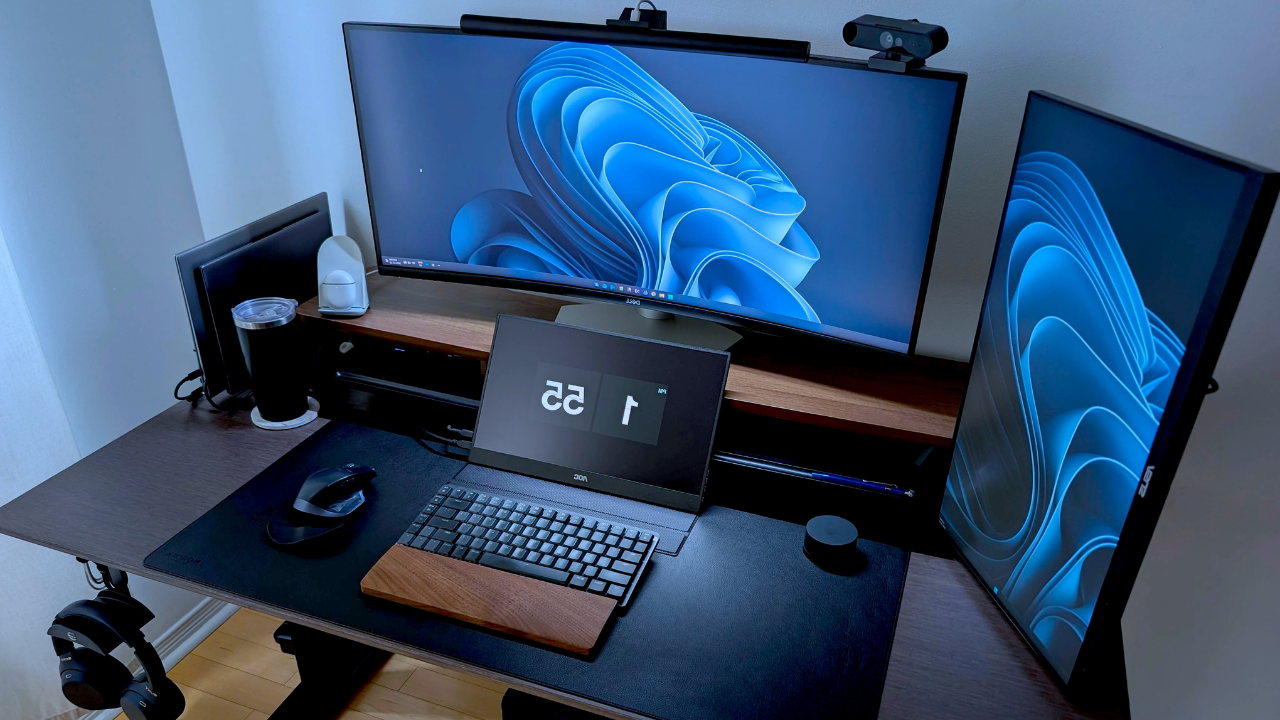
Monitor light bars are revolutionary. They sit atop your monitor, directing light down onto your desk and keyboard, but critically, not onto your screen. This eliminates screen glare completely while brightening your workspace. If you spend hours in front of a display, this is a for eye comfort.
BenQ ScreenBar Halo Monitor Light
Best for: Premium eye comfort and a truly minimalist desk setup.
The BenQ ScreenBar Halo is the gold standard for monitor lighting, and it’s easy to see why. Its asymmetrical optical design perfectly illuminates your workspace while its innovative backlight feature reduces the contrast between your screen and background, offering unparalleled eye comfort. The wireless controller makes adjustments seamless, allowing you to fine-tune brightness and color temperature without fumbling around.
- Pros: Superior glare reduction, ambient backlight for eye comfort, precise brightness and color temperature control, elegant design, wireless remote for easy adjustment.
- Cons: Premium price point, requires monitor space on top (though it’s very slim), doesn’t offer full RGB color.
Quntis Monitor Light Bar
Best for: Effective glare reduction on a mid-range budget.
The Quntis Monitor Light Bar offers fantastic value, bringing many of the premium features of its more expensive counterparts to a more accessible price. Its unique asymmetrical optical design ensures no screen glare, directing light only where you need it. With adjustable brightness and color temperature, you can easily adapt your lighting for reading, working, or just relaxing.
- Pros: Excellent value, effective glare-free illumination, adjustable color temperature and brightness, easy USB power, fits most monitors.
- Cons: Wired remote control, build quality is good but not as premium as BenQ, may not fit ultra-thin bezels perfectly.
Top LED Desk Lamps for Versatility and Task Focus
Sometimes you need a more traditional lamp to illuminate specific documents, provide broader ambient light, or simply because your desk setup doesn’t accommodate a monitor bar. These LED desk lamps offer robust performance with modern features.
TaoTronics TT-DL13 LED Desk Lamp
Best for: Versatile task lighting with multiple modes and conveniences.
The TaoTronics TT-DL13 has been a consistent bestseller for years, and for good reason. It offers five color modes and seven brightness levels, giving you unparalleled control over your workspace illumination. The built-in USB charging port is a handy bonus, keeping your phone topped up while you work. Its sleek, minimalist design blends into almost any home office environment.
- Pros: Huge range of brightness and color temperature settings, convenient USB charging port, touch-sensitive controls, flexible head.
- Cons: Base can take up some desk space, not as ideal for glare reduction on monitors compared to light bars, no smart features.
Phive LED Desk Lamp with Clamp
Best for: Space-saving, highly adjustable lighting for drafting or detailed work.
For those who need to reclaim desk space without sacrificing powerful illumination, the Phive LED Desk Lamp with Clamp is an excellent choice. Its long swing arm provides extensive reach and precise positioning, perfect for artists, architects, or anyone working with physical documents. The clamp-on design frees up your desk, and its memory function ensures it remembers your last settings.
- Pros: Saves desk space with clamp, incredibly flexible and long reach, excellent for detailed tasks, memory function, durable metal construction.
- Cons: Installation requires a suitable desk edge, design might be too industrial for some aesthetics, no integrated smart features.
Lampat LED Desk Lamp
Best for: A reliable, budget-friendly desk lamp with essential features.
If you’re looking for a solid, no-frills desk lamp that still delivers on adjustable lighting, the Lampat LED Desk Lamp is a fantastic budget pick. It offers three color modes (warm, natural, cool) and stepless dimming, allowing for basic customization. Its compact design and stable base make it a reliable choice for students or anyone just starting to upgrade their home office lighting without breaking the bank.
- Pros: Very affordable, essential adjustable color and brightness, compact design, simple touch controls.
- Cons: Less extensive range of motion than swing-arm lamps, fewer features compared to higher-priced options, plastic build.
Premium Smart Lighting for the Ultimate Home Office
For those ready to truly elevate their workspace with cutting-edge technology and seamless integration, smart lighting is the way to go. These lamps offer dynamic control, full color spectrums, and often, the ability to integrate with your existing smart home setup.
Philips Hue Go Portable Table Lamp
Best for: Dynamic ambient lighting, portability, and full smart home integration.
While not a traditional task lamp, the Philips Hue Go is an incredible addition to any premium home office setup, especially when paired with a good task light. It’s portable, rechargeable, and offers a full spectrum of 16 million colors plus tunable white light. Controlled via the Hue app or voice assistants, it can create dynamic lighting scenes that boost mood or provide subtle backlighting to reduce eye strain, complementing your primary desk lamp beautifully. It’s really about setting the scene.
- Pros: Portable and rechargeable, full color spectrum and tunable white, seamless smart home integration (Hue Bridge required for full features), stylish and versatile ambient lighting.
- Cons: Not a primary task light on its own, requires Philips Hue Bridge for full smart features, battery life could be longer at maximum brightness.
Yeelight Smart LED Desk Lamp Pro
Best for: Fully integrated smart control with wireless charging capabilities.
The Yeelight Smart LED Desk Lamp Pro is a powerhouse of features, perfect for the tech-savvy individual looking to consolidate their desk tech. It offers extensive color temperature and brightness control, integrated wireless charging for your phone, and supports Apple HomeKit, Google Assistant, and Alexa. This lamp isn’t just about illumination; it’s a central hub for your smart desk, keeping things tidy and connected. You can even set schedules for light changes, aligning with your circadian rhythm.
- Pros: Integrated wireless phone charging, supports multiple smart home platforms (Apple HomeKit, Google Assistant, Alexa), wide range of adjustable lighting, sleek design, schedule and scene customization.
- Cons: Requires a power outlet, smart features rely on a stable Wi-Fi connection, higher price point than basic LED lamps.
Integrating Your Lighting for Maximum Benefit
Choosing a great desk lamp is only half the battle. To truly unlock its productivity-boosting potential, you need to think about how it integrates with your entire workspace. It’s about creating a cohesive lighting strategy that supports you throughout your day, from that early morning email sprint to late-night creative sessions.
Layering Light Sources
Don’t rely on just one light source. A well-lit home office usually incorporates three types of lighting: ambient, task, and accent. Your overhead room light provides ambient illumination. Your new desk lamp or monitor light bar serves as your task light, directly illuminating your work. Accent lighting, like a small light strip behind your monitor or a Philips Hue Go, adds depth, reduces eye strain by softening the contrast, and can set a mood. Layering these creates a dynamic, adaptable environment that traditional wisdom often overlooks.
Optimizing Placement and Angle
Placement is critical. If you’re right-handed, position your task light to your left; if you’re left-handed, place it to your right. This simple rule prevents shadows from your hand falling directly onto your work surface. For monitor light bars, ensure they sit squarely on top of your display, projecting light downward onto the desk without spilling onto the screen itself. Always aim to minimize glare and maximize even illumination across your primary work area.
Syncing with Your Circadian Rhythm
This is a big one for long-term productivity and health. Our bodies respond to light cues. Cooler, brighter light in the morning and early afternoon signals alertness. As evening approaches, shifting to warmer, dimmer light helps signal your body it’s time to wind down. Many smart lamps offer scheduling features or even “circadian lighting” modes that automatically adjust throughout the day. This isn’t just about productivity; it’s about protecting your sleep quality. A gradual transition helps your body produce melatonin naturally.
When I advise clients on home office setups, I stress that lighting isn’t just an accessory; it’s an active participant in your workflow. Taking a few minutes to adjust your light settings can genuinely alter your energy levels and focus, making those longer work stretches feel less taxing. It truly makes a noticeable impact.
Frequently Asked Questions About Desk Lighting
What is the ideal color temperature for productivity?
For peak productivity and alertness during the day, a cooler color temperature between 5000K and 6500K (cool white to daylight) is generally recommended. This type of light mimics natural daylight and helps to keep you focused and energized. As evening approaches, consider shifting to warmer temperatures around 2700K-3500K to reduce blue light exposure and prepare your body for sleep.
How do monitor light bars improve eye comfort?
Monitor light bars are designed with an asymmetrical optical path that directs light downwards onto your desk and keyboard, but critically, avoids shining light onto your monitor screen. This eliminates screen glare, reduces reflections, and creates an evenly lit workspace. By balancing the brightness between your screen and surroundings, they significantly reduce eye strain and fatigue, especially during long hours of computer use.
Can I use smart lighting even without a smart home hub?
Many smart desk lamps can function perfectly well with their dedicated mobile apps via Bluetooth or direct Wi-Fi connection, even if you don’t have a central smart home hub like a Philips Hue Bridge or SmartThings. However, a hub often unlocks additional features such as integration with voice assistants (Alexa, Google Assistant), advanced scheduling, and synchronizing with other smart devices for a more seamless experience.
Is a desk lamp really necessary if I have good overhead lighting?
Yes, a dedicated desk lamp or monitor light bar is still highly recommended, even with good overhead lighting. Overhead lights often create shadows, uneven illumination, and can cause glare on your screen. A task-specific desk lamp provides direct, focused light exactly where you need it, minimizing strain and enhancing visibility for detailed work, reading, or typing. It’s about precision lighting for your most important work areas.
How often should I adjust my desk lighting?
Ideally, you should adjust your desk lighting settings a few times throughout the day to match both your activity and the natural progression of light outside. Shift to brighter, cooler light for demanding daytime tasks, and transition to warmer, dimmer settings in the late afternoon and evening. Many smart lamps offer automated scheduling features that can do this for you, simplifying the process and ensuring optimal lighting around the clock.
What’s the difference between a desk lamp and a task lamp?
While often used interchangeably, “task lamp” specifically refers to a light designed to illuminate a particular activity or area, like a desk or workbench, typically with adjustable features for precise positioning. A “desk lamp” can be a broader term, sometimes encompassing more decorative lamps that might not offer the same level of adjustability or focused illumination required for productivity. Our recommendations here are all strong task lamps.
Will desk lighting help with seasonal affective disorder (SAD)?
While some people find that bright, full-spectrum desk lamps, especially those mimicking natural daylight (5000K-6500K), can help improve mood and energy during darker months, a dedicated light therapy lamp is typically recommended for treating Seasonal Affective Disorder (SAD). These lamps are specifically designed to deliver a much higher lux output (usually 10,000 lux at a certain distance) than standard desk lamps, which is crucial for SAD treatment. Consult a healthcare professional if you suspect you have SAD.

TRENDING: Best Portable Monitors for Remote Work 2026
Download the new game Guess The Celebrity Quiz and check how well you know your idols
Always be up to date with the news and follow the trends!
 Support our work by giving us a small donation