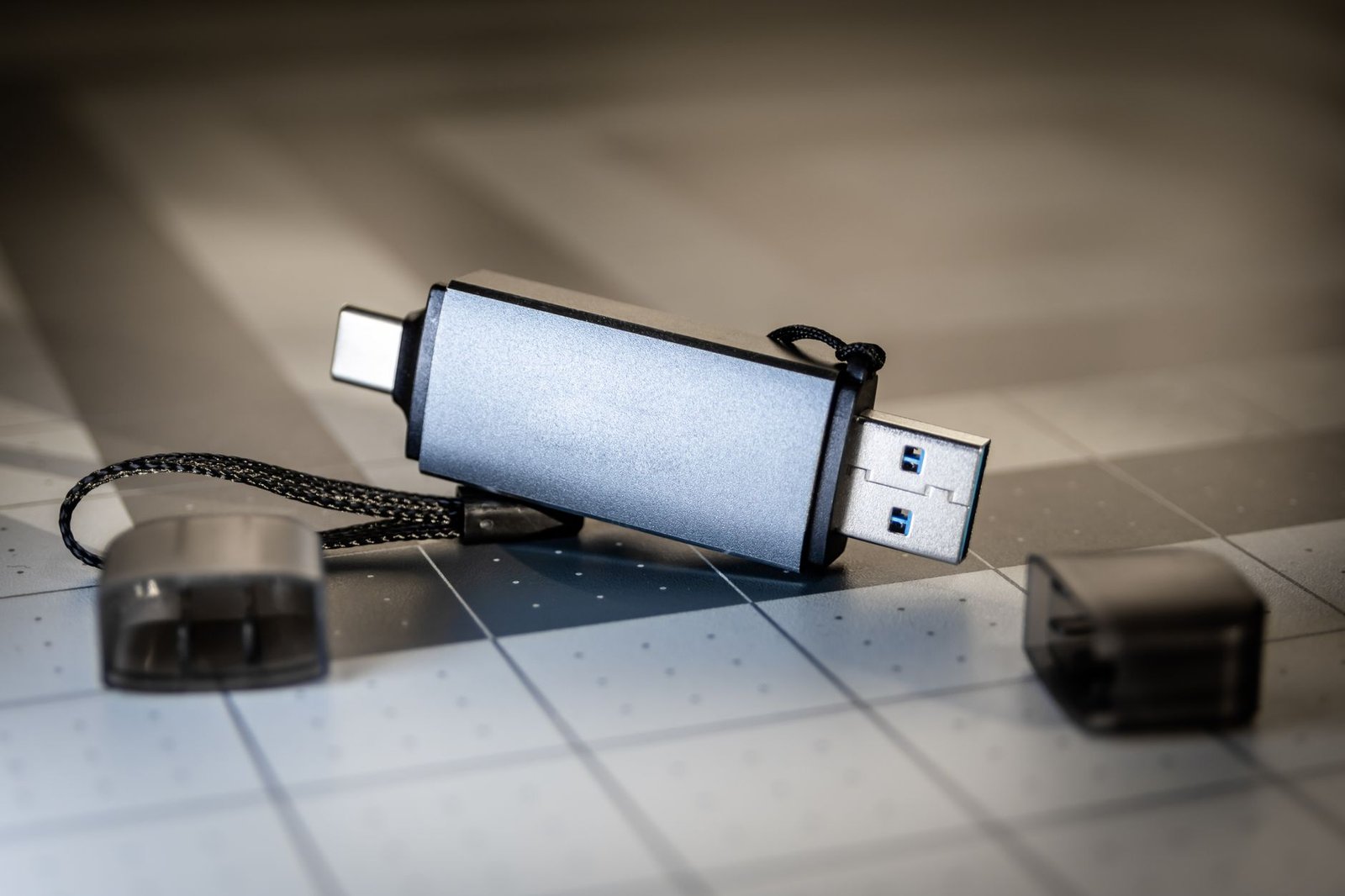
The Lenovo ThinkPad USB 3.0 Secure Hard Drive was marketed as a fortress for your sensitive files, but recent technical teardowns have revealed a hollow promise. If you bought one of these drives believing your data was shielded by military-grade hardware encryption, you might actually be carrying around a standard, vulnerable storage device with a plastic lock on the front door.
Security researchers and hardware enthusiasts have recently exposed a massive security flaw in these supposedly secure Lenovo peripherals. While the marketing materials prominently feature phrases like “AES 256-bit hardware encryption” and “integrated fingerprint reader,” the reality is far more concerning for data privacy. It appears the device does not encrypt the data on the platters at all; instead, it simply hides the files behind a software-level gate that can be bypassed with basic technical knowledge.
Key Takeaways
- False Security: The Lenovo “Secure” USB drive has been exposed for lacking genuine hardware-level encryption despite marketing claims.
- Bypassable Access: Security researchers found that the fingerprint sensor acts as a simple switch rather than a key for cryptographic decryption.
- Data at Risk: Information stored on these unencrypted drives can be read directly if the physical disk is removed from the enclosure.
- Brand Impact: This discovery follows a history of Lenovo security controversies, further damaging consumer trust in their hardware security.
What is the Lenovo fingerprint USB drive security flaw?
The Lenovo security flaw refers to the discovery that certain “secure” external storage products do not actually perform full-disk encryption. Instead of the fingerprint scanner generating a cryptographic key to unlock data, the sensor acts as a digital “gatekeeper” that tells the controller to allow the host computer to see the drive. Because the storage media itself remains unencrypted, an attacker can simply remove the internal drive and plug it into a standard SATA-to-USB adapter to access every file.
This isn’t just a minor bug; it is a fundamental design failure that renders the security features useless against a sophisticated thief. If you are a professional handling sensitive client data, this device offers a dangerous illusion of safety. It reminds me of the Linux Kernel Flaw CVE-2026-98432 in the sense that a core assumption of security, that the foundation is solid, has been proven wrong.
When we talk about hardware security in 2026, we expect the data to be scrambled at rest. If the drive is lost or stolen, the “unencrypted” nature of the storage means that no matter how complex your fingerprint or PIN is, the data is sitting there in plain text. Lenovo has long been a staple in the corporate world, making this revelation particularly stinging for IT managers who deployed these drives by the thousands.
How the fingerprint bypass works in practice
To understand why this is such a disaster, you have to look at how real hardware encryption is supposed to function. In a properly designed secure USB drive, the encryption key is derived from the user’s credentials (like a fingerprint or PIN). That key is then used by a dedicated crypto-processor to scramble every bit of data before it is written to the NAND flash or spinning disk. Without the key, the data is essentially white noise.
However, reports circulating on Hacker News and Reddit suggest Lenovo took a shortcut. Researchers found that the fingerprint module simply sends a “Yes” or “No” signal to the bridge chip. If you bypass that bridge chip, the data is fully readable. It is the digital equivalent of a bank vault that has a massive steel door, but the back wall of the vault is made of cardboard. You don’t need the combination if you can just walk around to the back.
For those of us who track technology news, this feels like a recurring nightmare. We recently saw how LG Smart TVs were logging audio data without consent, and now we see hardware manufacturers cutting corners on the very features they charge a premium for. The price gap between a standard 1TB external drive and a “Secure” version can be over $100. For that extra money, you aren’t getting security; you are getting a fingerprint-shaped button that does nothing to protect the actual bits and bytes.
Comparing Hardware Encryption vs. Software Gates
It is crucial to distinguish between what Lenovo promised and what they delivered. The following table breaks down the differences between a genuinely secure device and the exposed Lenovo model.
| Feature | Genuine Secure Drive | Exposed Lenovo Model |
|---|---|---|
| Encryption Method | Hardware-based AES-256 | Logical “Gate” (Unencrypted) |
| Data at Rest | Ciphertext (Unreadable) | Plaintext (Fully Readable) |
| Bypass Difficulty | Extremely High (Requires Lab) | Low (Requires Screwdriver) |
| Reliability | Cryptographically Verified | Marketing-led Illusion |
As the table shows, the unencrypted nature of the Lenovo drive is the primary point of failure. If the drive were actually encrypted, even removing the physical disk wouldn’t help a thief. They would still be staring at an encrypted partition that would take millions of years to crack. With the Lenovo flaw, the “security” is purely cosmetic.
Why companies take these security shortcuts
You might wonder why a multibillion-dollar company like Lenovo would risk its reputation on such a flimsy implementation. The answer usually boils down to cost and complexity. Implementing true hardware encryption requires a sophisticated controller and rigorous testing to ensure that keys are never leaked and that the encryption doesn’t slow down the transfer speeds of the USB drive.
By using a standard off-the-shelf SATA-to-USB bridge and simply adding a “lockout” feature to the firmware, Lenovo could market a “secure” product at a much higher margin. It is a classic case of marketing departments outrunning engineering realities. We have seen similar issues in the past where account takeover vulnerabilities occur because developers prioritize user friction over actual security protocols.
In the world of data privacy, there is no such thing as “mostly secure.” If the underlying storage is unencrypted, the device is a liability. This isn’t just about losing a few photos; it’s about corporate espionage, identity theft, and the loss of intellectual property. Lenovo’s failure here is a stark reminder that we must verify the claims made on the box, especially when our most sensitive information is at stake.
Is your data safe on a Lenovo secure drive?
The short answer is: No. If you are using one of these drives to store passwords, financial records, or confidential business plans, you should stop immediately. The presence of a fingerprint sensor does not mean your data is encrypted. In fact, the false sense of security provided by the fingerprint reader might make you more likely to leave the drive in an unsecured location, like a car or a hotel room.
For those who need actual security, look toward brands that undergo independent third-party audits, such as Apricorn or IronKey. These companies build their entire business model around the integrity of the encryption, and their devices often feature epoxy-coated internals that make physical tampering nearly impossible. Lenovo, by contrast, seems to have treated security as a checkbox for a product sheet rather than a core engineering requirement.
We are living in an era where digital threats are everywhere. Whether it is a credential stealer in a Python package or a fake secure hard drive, the burden of verification is increasingly falling on the consumer. As we move further into 2026, the complexity of these hardware attacks will only increase, making these “basic” failures even more inexcusable.
How to properly secure your portable data
If you already own one of these Lenovo drives and can’t return it, there is a way to make it actually secure. You should treat the hardware “security” as non-existent and use software-based full-disk encryption like VeraCrypt or BitLocker. By creating an encrypted container on the drive, you ensure that even if the “fingerprint gate” is bypassed, the files themselves remain scrambled.
- Use VeraCrypt: This open-source tool allows you to create a hidden, encrypted volume that is virtually impossible to crack without the password.
- Enable BitLocker: If you are on Windows Pro, use BitLocker To Go to encrypt the entire USB drive before you put any files on it.
- Physical Security: Never leave sensitive drives unattended, even if they claim to be secure.
- Regular Audits: Check technology news sites regularly for updates on the hardware you use daily.
It is frustrating to have to add another layer of security to a device that was sold as a “secure” solution, but it’s the only way to be sure. The security flaw in Lenovo’s implementation is a textbook example of why we can’t trust “security by obscurity.” Eventually, someone will take the device apart, and the truth will come out.
This situation reminds me of the recent eMudhra exit from the SSL business. When trust is the product you are selling, any failure in that trust is terminal. Lenovo may continue to sell these drives to unsuspecting buyers, but for the informed user, the brand’s “secure” lineup is now a non-starter.
The broader impact on the hardware industry
This revelation will likely lead to increased scrutiny for all fingerprint-enabled storage. If a major player like Lenovo can ship unencrypted drives labeled as “secure,” who else is doing it? We may see new regulations or certification requirements for hardware claiming specific AES ratings. For now, the best defense is skepticism.
The data privacy landscape is changing, and consumers are becoming more tech-savvy. They aren’t just looking for a cool fingerprint light; they want to know that their data is safe from both hackers and physical thieves. Lenovo’s security flaw is a major setback for the industry’s attempt to make high-level security accessible to the average user.
In 2026, we should be past the point of basic encryption lies. We have the technology to secure data properly at a low cost. There is no excuse for a company with Lenovo’s resources to fail this fundamentally. It serves as a warning to every other hardware manufacturer: if you claim it’s secure, it better be, because the community is watching.
Sources
- Reddit Technology, Lenovo Fingerprint USB Drive Exposure Thread
- Online Magazine News, LG Smart TV Privacy and Security Concerns
- Online Magazine News, Critical Linux Security Flaws Explained
Frequently Asked Questions
Can I get a refund for my Lenovo secure USB drive?
Whether you can get a refund depends on the retailer’s policy and how long ago you purchased the device. However, given that the product was marketed with features (like hardware encryption) that it does not effectively provide, you may have a strong case for a “not as described” return. Contact Lenovo support directly and cite the recent hardware audits showing the lack of true encryption.
How can I tell if my USB drive is actually encrypted?
One of the easiest ways to test this is to remove the physical storage media from its enclosure and connect it to a PC using a generic adapter. If you can see your files immediately without entering a PIN or using a fingerprint, the drive is unencrypted. A truly secure drive will show the media as uninitialized or as a raw, unreadable partition when removed from its controller.
Does the Lenovo fingerprint sensor do anything at all?
Yes, the fingerprint sensor acts as a logical switch. It prevents the USB controller from mounting the drive to your operating system until a authorized finger is scanned. While this stops a casual user from seeing your files if they plug the drive into a computer, it provides zero protection against anyone willing to open the plastic case and access the internal disk directly.
Are there better alternatives for secure mobile storage?
If security is your primary concern, look for drives that are FIPS 140-2 Level 3 certified. Brands like Kingston (IronKey) and Apricorn (Aegis) are widely considered the gold standard. These drives use hardware-based encryption where the keys never leave the device, and the internal components are often encased in a hard epoxy to prevent physical tampering.
Should I stop using my Lenovo secure drive immediately?
If you are using the drive for non-sensitive data, it is still a functional USB drive. However, if you are storing personal information, passwords, or business documents, you should migrate that data to a truly secure solution or use software encryption (like BitLocker) on top of the Lenovo hardware. Do not rely on the fingerprint sensor for protection.
Ultimately, the Lenovo security flaw is a wake-up call for anyone who relies on “secure” peripherals. We often assume that a high price tag and a reputable brand name equal safety, but this case proves otherwise. Stay vigilant, keep your software updated, and always assume that hardware security is only as good as its weakest link. For more on protecting your digital life, check out our guide on setting up a secure remote workspace in 2026.