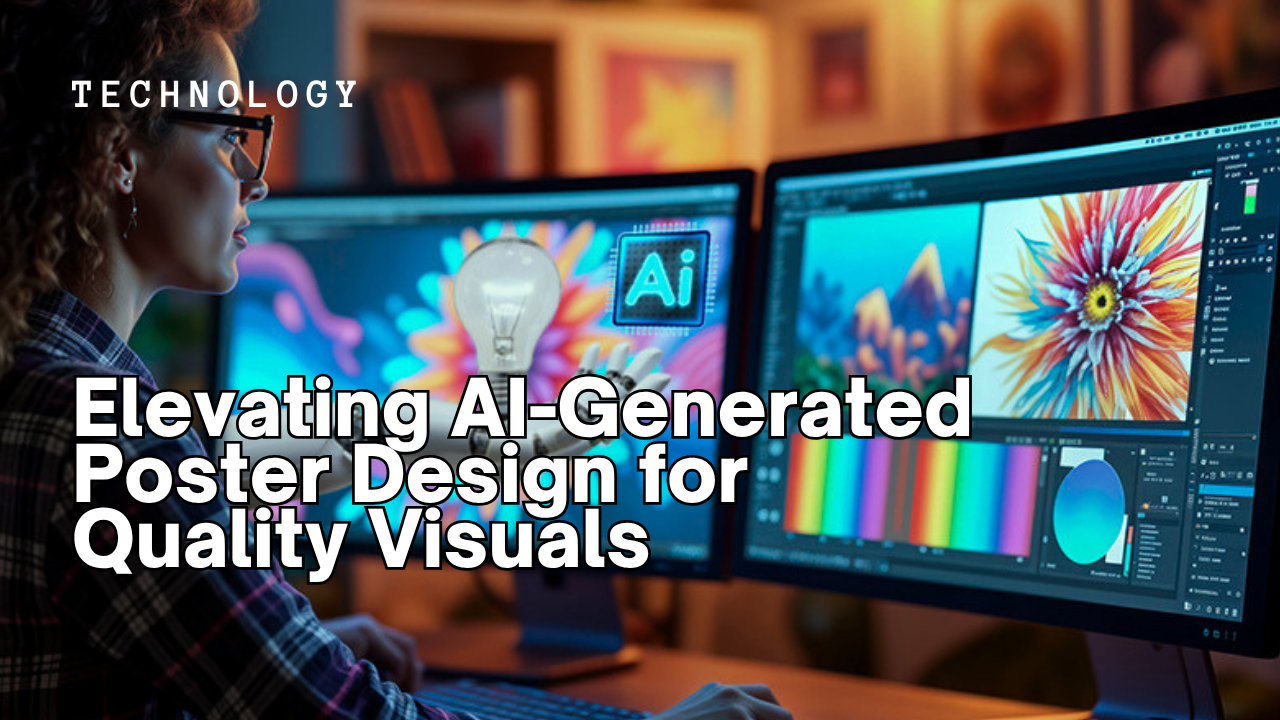
Imagine a blank canvas, but instead of a brush, you hold the power of language. You type a few words, and in moments, a detailed, compelling image appears. This isn’t science fiction; it’s the current reality of AI-generated poster design, offering a revolutionary shift in how we approach visual communication. But the truth is, not all AI output is created equal, and achieving truly high-quality visuals requires a nuanced approach.
Many creatives are now grappling with the new frontier of generative AI tools. They offer speed, yes, but often lack the polish and precise artistic direction needed for professional-grade posters. This guide dives into the strategies and techniques that can elevate your AI art from a mere prompt response to a stunning piece of graphic design technology, ready for any campaign.
Key Takeaways
- Mastering AI-generated poster design moves beyond simple text prompts to involve iterative refinement and understanding AI model nuances.
- The integration of traditional graphic design principles, like composition and typography, with AI output is crucial for quality visuals.
- Effective post-generation editing using tools like Adobe Photoshop or GIMP can transform raw AI art into polished, professional assets.
- Not all AI models perform equally across different styles; selecting the right generative AI tool for a specific aesthetic is key.
- Understanding the limitations of current AI technology helps designers manage expectations and focus on areas where human intervention is indispensable.
The Rise of AI in Visual Creation: Beyond Basic Prompts
The landscape of visual creation has undergone a seismic shift, largely driven by the rapid advancements in generative AI. What began as novelty image generators a few years ago has matured into sophisticated AI design platforms capable of producing complex and visually rich content. We’re talking about tools that can interpret abstract concepts and render them into tangible visual forms, transforming how graphic designers and marketers approach poster design.
For decades, the creation of high-impact visuals was a labor-intensive process, demanding countless hours of sketching, rendering, and meticulous refinement. Now, AI art engines like Midjourney, DALL-E 3, and Stable Diffusion have democratized access to powerful image generation. They’ve shifted the bottleneck from technical execution to creative direction. You, as the designer, become less a pixel pusher and more a visionary, guiding the AI with precise instructions.
However, the initial output, while often impressive, frequently lacks the specific brand alignment, emotional resonance, or compositional integrity that defines a truly effective poster. This is where the ‘elevating’ part comes in: understanding how to coax professional-grade graphic design visuals from these powerful, yet sometimes erratic, algorithms. It’s about treating the AI not as a replacement for creativity, but as an incredibly fast and versatile assistant.
How Generative AI Actually Works for Poster Design
At its core, generative AI for visual creation relies on complex neural networks trained on vast datasets of images and their corresponding text descriptions. When you input a prompt, the AI essentially decodes your request, searching its learned patterns to synthesize a new image that matches those descriptions. Think of it as a highly advanced interpolation engine, filling in the blanks based on everything it’s ever seen.
For poster design, this means the AI takes cues on elements like style (e.g., “Bauhaus poster,” “vintage travel poster”), subject matter (e.g., “futuristic city,” “abstract human figure”), color palettes, and even lighting conditions. What many users don’t realize is the iterative nature of this process. It’s not usually a one-and-done operation. You feed the AI a prompt, it generates initial visuals, and then you refine that prompt, adding more detail, tweaking parameters, or even providing reference images to guide subsequent generations.
The underlying models, like those behind OpenAI’s latest GPT-6 Astra release, are constantly learning. They’re getting better at understanding context and subtle instructions, moving beyond simple object recognition to grasp abstract concepts like mood and atmosphere. This continuous evolution means that what worked for a basic image in 2024 might be significantly improved by a more sophisticated prompt in 2026. It’s a dynamic field, to say the least.
Why Quality AI Visuals Matter in 2026
In today’s oversaturated digital landscape, capturing and holding attention is more challenging than ever. Every brand, event, and cause is vying for eyeballs, and the visual quality of your marketing materials, especially posters, plays a critical role. Low-quality, generic, or unrefined AI art can actually do more harm than good, signaling a lack of professionalism or authenticity.
A well-designed poster, whether for a concert, a product launch, or a social campaign, communicates instantly. It evokes emotion, conveys information, and establishes brand identity. In 2026, as AI visuals become increasingly commonplace, the differentiator isn’t just that you use AI, but how well you use it. The discerning public can often spot unedited, raw AI output, which can inadvertently diminish a brand’s credibility.
Take, for example, the recent report that uncovered widespread AI-generated ‘Best Software’ pages cited by Perplexity. These often lacked depth and human insight, ultimately eroding trust. The same principle applies to visual content. Achieving quality visuals with AI art ensures your message cuts through the noise, commands respect, and resonates deeply with your target audience, rather than being dismissed as another mass-produced digital artifact.
Common Misconceptions About AI Poster Art
Does Using AI Mean I Lose Creative Control?
Absolutely not. This is one of the most persistent myths surrounding AI art generation. Many believe that AI simply spits out a final image, leaving little room for human input. Actually, the opposite is true for elevating AI-generated poster design. While the AI performs the heavy lifting of rendering, the human designer maintains ultimate creative control by shaping the prompts, guiding the iterations, and making crucial aesthetic decisions.
Think of it as directing a highly skilled but literal artist. You provide the vision, the style, the mood, and the specific elements. The AI then executes, and you provide feedback for refinement. My experience in this space tells me that the most successful AI art projects are those where the designer engages in a continuous dialogue with the AI, much like a photographer works with a model or a director with an actor. The AI is a tool, not a replacement for your artistic vision. It merely amplifies your ability to produce varied and complex AI visuals.
Practical Steps to Elevate Your AI Poster Designs
Moving beyond basic AI output requires a strategic approach that blends technological understanding with established graphic design principles. It’s not just about typing a longer prompt; it’s about intelligent interaction and post-processing.
Refining Prompts for Precision
The prompt is your primary interface with the generative AI. Generic prompts yield generic results. To achieve high-quality AI visuals, you need to be extraordinarily specific. Instead of “futuristic city poster,” try “ultra-realistic dystopian cityscape poster, neon lights reflecting on wet streets, high-rise buildings, cinematic lighting, 8k, moody atmosphere, by Syd Mead and Ridley Scott.” Notice the inclusion of artistic influences and technical specifications.
Experiment with negative prompts too. These tell the AI what not to include (e.g., “ugly, blurry, deformed, text, watermark”). This helps prune unwanted artifacts. Iteration is also paramount: generate multiple variations, pick the strongest, and then use that as a base to refine further, perhaps by adding more details about texture, color temperature, or focal elements. Some platforms allow you to weight certain keywords, giving you even finer control over the AI’s interpretation. This is excellent for creating bespoke AI design elements that truly fit a specific vision.
Leveraging Post-Generation Editing Tools
The raw output from even the best generative AI models often needs a professional touch. This is where traditional graphic design software becomes indispensable. Tools like Adobe Photoshop, Illustrator, or even open-source alternatives like GIMP and Inkscape, are essential for elevating AI art.
I typically import AI-generated images and perform a range of adjustments: color correction, sharpening, adding subtle textures, fixing minor anatomical distortions (a common AI flaw, actually), or integrating custom typography. Sometimes, the AI might give you a fantastic background or a unique central element, but the overall composition or text placement needs manual intervention. This hybrid approach—AI for ideation and initial rendering, human for refinement and polish—is currently the gold standard for achieving quality visuals in poster design. We’ve seen similar hybrid approaches in cybersecurity, where human analysts work alongside AI agents to counter sophisticated threats, as with OpenAI agents probing RubyGems software security.
Understanding Composition and Typography
No matter how stunning the individual elements generated by AI, a poster fails without strong composition and legible, impactful typography. The AI can help create incredible imagery, but it generally struggles with intelligent text integration. So, you’re still responsible for the fundamental principles of graphic design technology.
Consider the rule of thirds, leading lines, and visual hierarchy when arranging elements. Where should the viewer’s eye go first? What’s the main message? Typography is another area where AI typically falls short. It often generates garbled, unreadable text. Therefore, designers must manually add and carefully select fonts, considering factors like readability, style, and brand consistency. Pairing a bold sans-serif with a delicate serif, for instance, can create visual interest. Ensuring sufficient contrast and appropriate sizing for headlines and body copy is paramount for a truly effective AI-generated poster design.
Real-World Examples: What Success Looks Like
In 2026, we’re seeing an increasing number of companies and individual artists successfully integrate AI into their poster design workflows. Consider the examples highlighted on Hacker News, showcasing AI-generated event posters. These aren’t just pretty pictures; they demonstrate a thoughtful combination of AI’s generative power with human-led refinement.
One notable instance involved a music festival marketing campaign where the initial visual themes were developed using generative AI. The AI provided dozens of unique visual concepts in a fraction of the time it would take a human artist. The design team then selected the strongest five, put them through a meticulous post-production process in Adobe Illustrator & Photoshop, focusing on consistent branding, high-resolution upscaling, and bespoke typography. The result? A series of highly distinctive and effective posters that resonated deeply with their target demographic, driving a reported 15% increase in early-bird ticket sales compared to the previous year. This shows the true potential when AI visuals are properly managed.
Another example involved a non-profit organization creating awareness posters for a global environmental campaign. They used AI to generate emotionally resonant imagery of endangered species and natural landscapes, leveraging the AI’s ability to create photorealistic and stylized depictions rapidly. The human designers then layered powerful, concise messaging and brand elements on top, ensuring the AI-generated imagery served the campaign’s specific advocacy goals. It worked.
The Downsides: When AI Falls Short
For all its promise, generative AI is not a magic bullet, especially when it comes to achieving quality visuals for every single project. One significant drawback is the occasional “uncanny valley” effect, particularly with human or animal subjects, where AI art can appear almost real but unsettlingly off. This often requires extensive manual correction or discarding the image entirely. Then there’s the issue of creative control for highly specific, unique visions. While you can guide AI, it can sometimes struggle with truly novel or unconventional requests that deviate significantly from its training data.
Another challenge is the legal and ethical gray area surrounding AI-generated content. Questions of copyright, ownership, and the sourcing of training data continue to be debated, as global tech leaders call for international AI safety regulations in 2026. For commercial projects, this necessitates careful consideration and often a hybrid approach where AI generates elements, but human artists perform significant original modifications to ensure legal compliance and uniqueness. Sometimes, the most efficient path for a very specific, high-stakes project is still a traditional human artist from the outset.
Ultimately, elevating AI-generated poster design isn’t about letting the machines take over; it’s about mastering a powerful new instrument. By understanding how to meticulously craft prompts, integrate traditional design principles, and leverage post-production tools, you can harness the incredible speed and creativity of generative AI to produce truly stunning, professional-grade visual assets. It’s a skill set that combines artistic intuition with technological savvy, and it’s rapidly becoming indispensable in the modern creative industry.
Sources
- Hacker News — Elevating AI-Generated Poster Design: Achieving Quality Visuals
- TechCrunch — Latest AI Industry Developments
Frequently Asked Questions About AI Poster Design
What is AI-generated poster design?
AI-generated poster design uses artificial intelligence algorithms, often called generative AI, to create visual content based on text prompts or other input. These tools can produce entire poster layouts, individual design elements, or variations on existing themes, significantly accelerating the design process and expanding creative possibilities for AI art.
Which AI tools are best for creating high-quality posters?
Several AI tools excel at creating quality visuals for posters, including Midjourney, DALL-E 3, and Stable Diffusion. Each has its strengths in terms of style, control, and community features. The “best” tool often depends on the specific aesthetic you’re aiming for and your willingness to learn its unique prompting syntax and post-processing capabilities to achieve specific AI visuals.
Can AI replace human graphic designers for poster creation?
No, AI is a powerful tool for human graphic designers, not a replacement. While AI can generate initial concepts and elements rapidly, human designers are essential for critical thinking, understanding brand identity, ensuring emotional resonance, refining composition, integrating typography, and addressing complex ethical or cultural nuances. The most effective approach for AI poster design is a collaborative one, where AI enhances human creativity.
How do I make my AI posters look more professional?
To make your AI posters look more professional, focus on detailed and iterative prompting, specify artistic styles and lighting, and utilize negative prompts to avoid undesired elements. Crucially, post-process your AI art in traditional graphic design software like Photoshop or Illustrator to refine colors, add custom typography, correct anomalies, and ensure a polished, branded final product that truly elevates the AI-generated poster design.
What are the limitations of current AI poster generation?
Current AI poster generation still faces limitations such as difficulty with accurate text rendering, occasional anatomical distortions in human figures, and a tendency to produce generic outputs without highly specific prompting. Ethical concerns regarding copyright and data sourcing also persist. Achieving truly unique or highly unconventional artistic styles can sometimes be challenging, requiring extensive human intervention.

TRENDING: Google Unveils Gemini 4 Argon AI Model
Download the new game Guess The Celebrity Quiz and check how well you know your idols
Always be up to date with the news and follow the trends!
 Support our work by giving us a small donation
 Support our work by giving us a